Building a Restaurant Recommendation Engine That Grows Revenue
A restaurant recommendation engine is worth building only if it makes the restaurant more money, helps guests order faster, and helps the kitchen plan better. Higher order value alone is not enough.
Most recommendation guides are written for e-commerce: millions of products, endless scroll, users who browse for days. A restaurant is different. The menu is small. Guests decide in minutes, often at a table with other people. What's available changes by the hour. And every item recommended has to be cooked, which means stock, prep time and waste are part of the problem.
This article walks through building one step by step: what data to collect, how to build the pipeline, how to train and serve the first model, the failure that quietly breaks most of these systems, and how to turn recommendations into better planning for the restaurant.
I built one of these with a small team, and this article is written from that experience. Two photos from that time are in this article.
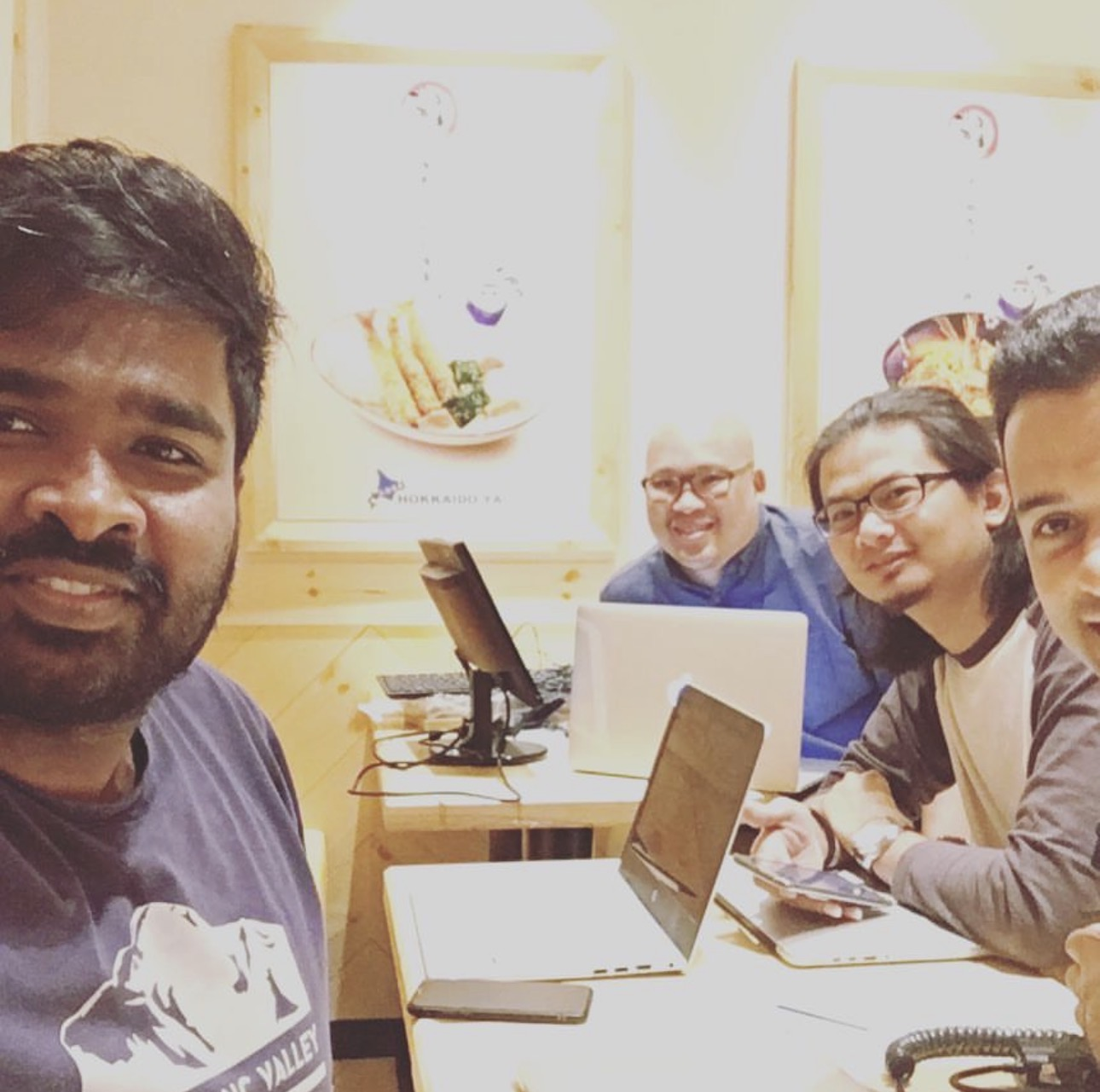
The team that built this, working from a restaurant table.
Step 1: Decide what success means before building anything
Write down the outcomes first, because they decide what data you collect and what the model optimizes for. A model trained only to maximize clicks will happily recommend items that are low-margin, slow to prepare or about to run out.
| Outcome | What it means | How to measure it |
|---|---|---|
| Revenue | Guests add more of what they actually want | Average order value, attach rate of add-ons |
| Margin | Recommended items are profitable, not just popular | Gross margin per order |
| Ordering speed | Guests find what they want sooner | Time from menu open to order placed |
| Guest satisfaction | Recommendations feel helpful, not pushy | Repeat visits, ratings, recommendation acceptance rate |
| Kitchen and stock | Fewer stockouts, less waste | Unavailable-item incidents, waste cost, prep accuracy |
- Outcome
- Revenue
- What it means
- Guests add more of what they actually want
- How to measure it
- Average order value, attach rate of add-ons
- Outcome
- Margin
- What it means
- Recommended items are profitable, not just popular
- How to measure it
- Gross margin per order
- Outcome
- Ordering speed
- What it means
- Guests find what they want sooner
- How to measure it
- Time from menu open to order placed
- Outcome
- Guest satisfaction
- What it means
- Recommendations feel helpful, not pushy
- How to measure it
- Repeat visits, ratings, recommendation acceptance rate
- Outcome
- Kitchen and stock
- What it means
- Fewer stockouts, less waste
- How to measure it
- Unavailable-item incidents, waste cost, prep accuracy
Pick one primary metric for the first version, usually attach rate or order value, and treat the rest as guardrails that must not get worse. Agree on these with the restaurant owner or operations team, not only with the data team.
Step 2: Collect the right data from day one
The model can only learn from what you record, so event tracking comes before any modelling. Plan it like a product feature, with a clear schema, owners and tests.
| Data | Examples | Why it matters |
|---|---|---|
| Behaviour events | Item viewed, item clicked, added to cart, removed from cart, ordered | Shows interest and intent, not just final purchases |
| Recommendation logs | Items shown, position, model version, score before and after business rules | Lets you measure and correct bias later (Step 7) |
| Orders | Items, modifiers, quantities, price paid, discounts | The strongest signal of preference |
| Context | Time, day, outlet, channel (kiosk, tablet, app, QR), table, party size | Breakfast at a kiosk is not dinner on an app |
| Menu and item data | Category, price, cost, margin, prep time, dietary tags, images | Lets the model and rules reason about items, including new ones |
| Availability and stock | Out of stock, sold out, low stock, menu hours | Stops you recommending what the kitchen can't make |
| Guest identity, when known | Loyalty ID, account, past visits | Personalisation beyond the current session |
- Data
- Behaviour events
- Examples
- Item viewed, item clicked, added to cart, removed from cart, ordered
- Why it matters
- Shows interest and intent, not just final purchases
- Data
- Recommendation logs
- Examples
- Items shown, position, model version, score before and after business rules
- Why it matters
- Lets you measure and correct bias later (Step 7)
- Data
- Orders
- Examples
- Items, modifiers, quantities, price paid, discounts
- Why it matters
- The strongest signal of preference
- Data
- Context
- Examples
- Time, day, outlet, channel (kiosk, tablet, app, QR), table, party size
- Why it matters
- Breakfast at a kiosk is not dinner on an app
- Data
- Menu and item data
- Examples
- Category, price, cost, margin, prep time, dietary tags, images
- Why it matters
- Lets the model and rules reason about items, including new ones
- Data
- Availability and stock
- Examples
- Out of stock, sold out, low stock, menu hours
- Why it matters
- Stops you recommending what the kitchen can't make
- Data
- Guest identity, when known
- Examples
- Loyalty ID, account, past visits
- Why it matters
- Personalisation beyond the current session
Two rules make this data usable later. Every event carries a session ID, so a table's activity can be linked even without a login. And every recommendation is logged with what was shown and where, so you can tell what users chose from what the system pushed.
Step 3: Build a pipeline with two speeds
The pipeline needs a slow path for training and a fast path for live features. The model is trained in batch, daily or weekly. The features it uses at request time are updated in real time.
Live features + current model → Recommendation service → shown items and outcomes logged → Ordering app → both paths.
Every recommendation shown is logged and flows back into both paths, so the system keeps learning from its own output.
The real-time path captures what is happening now:
- The ordering app sends every event (view, click, add, remove, order) to an event stream such as Kafka, Kinesis or Pub/Sub.
- A stream processor updates live features: the last items this table clicked, categories viewed this session, items in the cart, and what is trending at this outlet in the last hour.
- These features land in an online feature store, usually Redis or a tool like Feast, where they can be read in milliseconds.
The batch path builds the history:
- The same events, plus orders, menu and stock data, are saved to a data warehouse.
- Scheduled jobs (Airflow, Prefect or dbt) clean the data, remove test orders and bots, and compute longer-term features: a guest's favourite categories, item popularity by daypart, and which items are often ordered together.
- These jobs produce the training datasets, each one versioned so any model can be traced back to the exact data it learned from.
The two paths must compute features the same way. If "popular this hour" is calculated differently in training and in serving, the model sees one world while learning and another while working.
Step 4: Ship a baseline first, then train the model
The first version should not be a model. It should be simple rules built from counts: popular at this outlet at this time of day, frequently ordered together, and never recommend what is unavailable. This baseline goes live quickly, starts producing clean recommendation logs, and gives every later model something honest to beat.
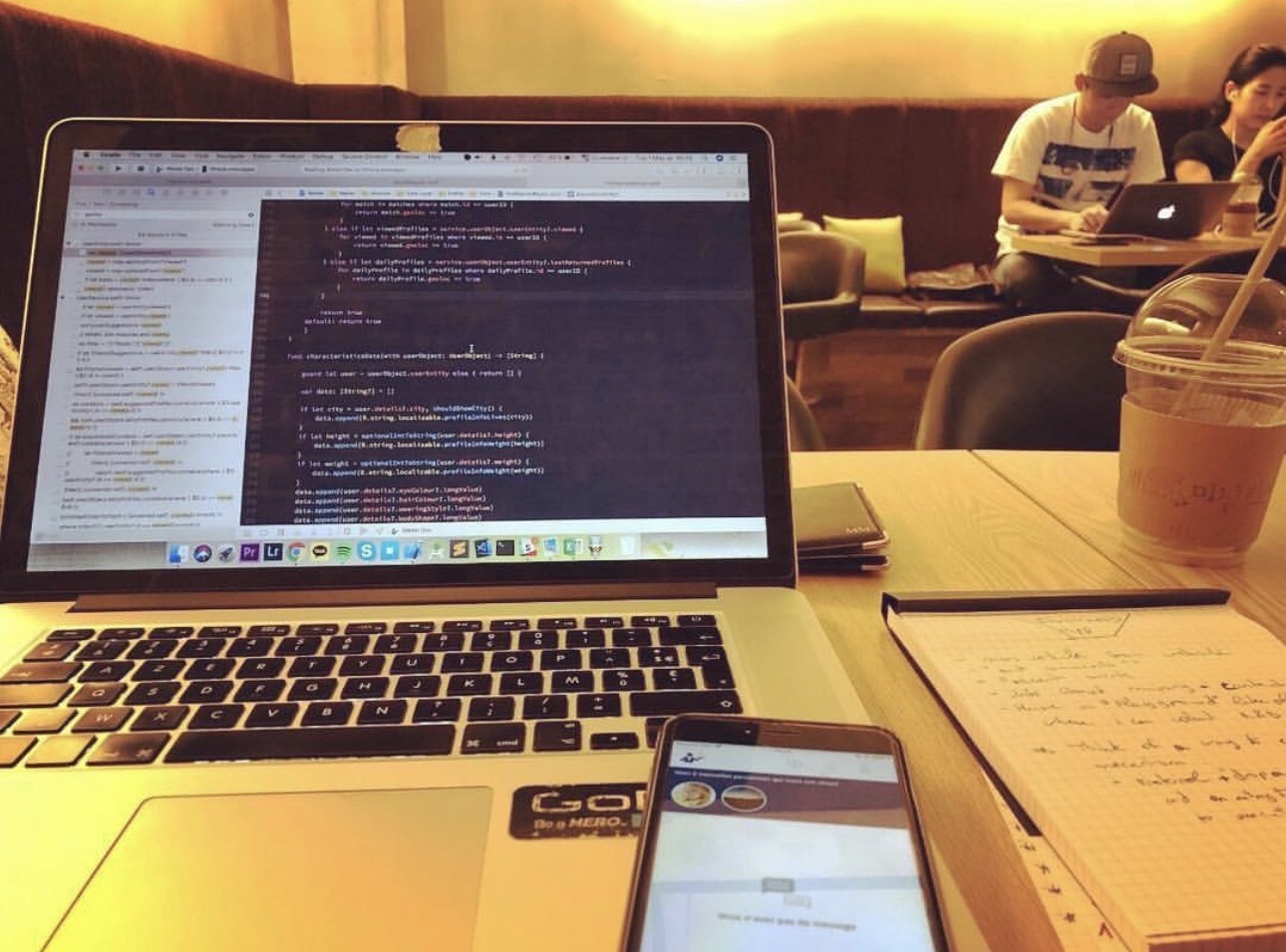
The build in progress: the training code on the laptop, the ordering app on the phone beside it.
Once a few weeks of data are in, train the first ranking model:
- Training examples: one row per item shown to a guest, labelled by what happened next. Weight the outcomes, because a view, a click, an add and an order don't mean the same thing.
- Features: guest or session features, item features (category, price, prep time), context (time, day, outlet, channel), and live signals (items in cart, recent clicks).
- Model: gradient-boosted trees (LightGBM or XGBoost) are a strong, explainable starting point for menus of this size. Sequence models that read the session's actions in order come later, once traffic justifies them.
- Split by time, not at random: train on older weeks and test on the most recent week. A random split leaks the future into training and makes the model look better than it is.
- Version everything: register each model with its training data version, features and evaluation results (MLflow or Weights & Biases), so you can compare, promote and roll back.
Step 5: Serve recommendations where guests make decisions
At request time the model doesn't invent recommendations. It receives a list of candidate items and scores each one for this guest in this context.
- Take every item available right now: on the current menu, in stock, served at this outlet.
- Build one row per item with guest or session features, item features and context.
- Score each row with the current model version.
- Apply business rules (Step 6) and return the top few.
With a menu of a few hundred items, you can score all of them in milliseconds. A separate retrieval stage is only needed for catalogues in the thousands.
Guest versus table. Many restaurant orders come from kiosks, tablets or QR codes with no login. Treat the session or table as the guest, using what it has clicked and ordered so far. When the guest is known, add their history. When nothing is known yet, fall back to what is popular here at this hour. One model can handle all three if it is trained with personal features that are sometimes missing.
Three surfaces, usually two models.
| Surface | Question it answers | Model |
|---|---|---|
| Menu home | What does this guest or table want right now? | Personalised ranking model |
| Item page | What else goes with or resembles this item? | Same ranking model, with the viewed item as a feature |
| Checkout | What's missing from this order? | Basket model for complementary items |
- Surface
- Menu home
- Question it answers
- What does this guest or table want right now?
- Model
- Personalised ranking model
- Surface
- Item page
- Question it answers
- What else goes with or resembles this item?
- Model
- Same ranking model, with the viewed item as a feature
- Surface
- Checkout
- Question it answers
- What's missing from this order?
- Model
- Basket model for complementary items
The checkout question is different enough (a drink with the burger, a dessert after mains) that a dedicated basket model works better. It can start as simple frequently-bought-together counts and grow into a learned model.
Step 6: Keep business rules outside the model
Restaurant priorities change every week: a new promotion, a supplier deal, an item the chef wants to move. If those priorities are trained into the model, every change means retraining, and nobody can see why the model does what it does.
Keep a clear split. The model answers a stable question: how likely is this guest to want this item? A separate rules layer answers the changing one: given that, what do we want to show today?
| Stays in the model | Lives in the rules layer |
|---|---|
| Guest and session preferences | Out-of-stock and low-stock filtering |
| Item similarity and pairings | Promotions and boosted items |
| Time-of-day patterns | Margin priorities |
| Likelihood of add or order | Variety (for example, at most two drinks in the top five) |
| Pinned items for a campaign |
- Stays in the model
- Guest and session preferences
- Lives in the rules layer
- Out-of-stock and low-stock filtering
- Stays in the model
- Item similarity and pairings
- Lives in the rules layer
- Promotions and boosted items
- Stays in the model
- Time-of-day patterns
- Lives in the rules layer
- Margin priorities
- Stays in the model
- Likelihood of add or order
- Lives in the rules layer
- Variety (for example, at most two drinks in the top five)
- Stays in the model
- Lives in the rules layer
- Pinned items for a campaign
Store rules as configuration, not code, with an admin screen the operations team can use without an engineer. A common scoring formula is final score = model score × boost + bonus, so the business adjusts the multipliers while the model stays untouched.
One grey area: a discount the guest can see is a fair model feature, because guests really react to it. "Push this item this week" is a business decision, so it stays a rule.
Step 7: Avoid the failure that hides in your own data
If rules push items to the top, those items get more clicks simply because they were shown first, not because guests preferred them. Retrain on that data naively and the model learns your business rules by accident. A promotion ends, but the model keeps favouring those items, and nobody told it to.
Position makes this worse even without rules. The first item on a screen gets far more attention than the eighth, so raw clicks always flatter whatever was on top.
The fixes, in the order most teams add them:
- Log what was shown. For every recommendation, record the model score, the final score after rules, the rules applied and the position. Every other fix depends on this.
- Exclude rule-driven slots from training. Pinned and sponsored positions say nothing about preference. Remove them, and give boosted items a lower training weight.
- Add position as a feature. Train with the position each item was shown in, then set it to the same value for every item when serving. The model learns how much of a click came from placement and ranks on relevance alone.
- Keep a clean control group. Serve a small share of traffic, a few percent, with model-only rankings and no boosts, optionally with light shuffling of the top items. This is your most honest data, and it shows whether the rules help or hurt.
- Correct with propensity weighting, later. Once the control group shows how attention falls off by position, weight each click by how unlikely it was to be seen. A click on a low slot counts for more.
Judge new models on the control-group data and an A/B test, never only on historical clicks. Old clicks reward a model for copying old rules.
Step 8: Monitor drift and learn from every failure
Restaurants change constantly: new menus, seasons, Ramadan hours, a new outlet, a competitor opening next door. A model that was right in March can be quietly wrong by June.
Check three kinds of drift on a schedule:
- Input drift: compare this week's feature distributions with the training data, using the Population Stability Index (PSI) or similar. Below 0.1 is stable, 0.1 to 0.25 needs a look, and above 0.25 is significant. Watch for new items and categories the model has never seen.
- Prediction drift: compare the distribution of model scores. It is often the earliest warning, because it summarises all the input changes at once.
- Outcome drift: once orders come in, track acceptance rate, attach rate and order value against the control group. A drop here is the drift that matters most.
Before retraining on an alert, check the pipeline. A large share of apparent drift is a logging bug, a changed upstream system or a feature that suddenly went empty.
Treat each failure as an input to the next version. Log the cases where recommendations were ignored, removed from the cart, or recommended something unavailable. Review them weekly with operations staff. Each pattern becomes a new feature, a new rule, a data fix or a new evaluation test, and every new model must pass all earlier tests before it ships. Promote new models through shadow mode, then a small A/B test, then full rollout, with the previous version ready to roll back.
Step 9: Go beyond order value: stock, prep and profit
The same data that powers recommendations can tell the restaurant what to prepare and what it loses when items are missing. This is where the engine stops being a feature and becomes part of how the business runs.
Stop recommending what can't be served. Feed live stock into the rules layer so sold-out items are removed instantly and low-stock items are not promoted. A recommended item that turns out to be unavailable costs more than a missed sale. It costs the guest's trust and slows the order down.
Measure the cost of unavailability. Every time a guest views or tries to add an unavailable item, log it. Then track what happened next: did they pick a substitute, order less, or leave? That turns stockouts into a number the owner understands.
| Signal | What it tells the restaurant |
|---|---|
| Demand for unavailable items | Sales lost to stockouts, by item and time |
| Substitution rate | Which items are good replacements, and which losses are real |
| Recommended-and-ordered volumes by daypart | Better prep quantities for each shift |
| Items rarely ordered even when recommended | Menu candidates to rework, reprice or remove |
| Margin of accepted recommendations | Whether the engine grows profit, not just revenue |
- Signal
- Demand for unavailable items
- What it tells the restaurant
- Sales lost to stockouts, by item and time
- Signal
- Substitution rate
- What it tells the restaurant
- Which items are good replacements, and which losses are real
- Signal
- Recommended-and-ordered volumes by daypart
- What it tells the restaurant
- Better prep quantities for each shift
- Signal
- Items rarely ordered even when recommended
- What it tells the restaurant
- Menu candidates to rework, reprice or remove
- Signal
- Margin of accepted recommendations
- What it tells the restaurant
- Whether the engine grows profit, not just revenue
Plan prep with demand forecasts. Combine order history, time, day, season and the recommendations you plan to show to forecast demand per item per shift. If the engine is going to promote a dish at lunch, the kitchen should know to prepare more of it.
Close the loop with substitutes. When an item is unavailable, recommend the best substitute based on what similar guests chose instead. That keeps the order alive and the basket value close to what it would have been.
Step 10: Measure ROI honestly
The only reliable way to know what the engine is worth is to compare against guests who didn't get it. Before-and-after comparisons mix in seasons, promotions and menu changes, and they almost always flatter the system.
- Keep a holdout. A small share of sessions sees the baseline or no recommendations at all. The difference between groups is the engine's real effect.
- Report incremental value, not totals. "Recommended items sold" counts orders that would have happened anyway. Report the extra margin per order and the extra orders per outlet against the holdout.
- Count speed as value. Faster ordering means shorter queues at kiosks and quicker table turns at peak hours. Measure time to order and peak-hour throughput.
- Count the operational savings. Fewer stockout incidents, less waste and better prep accuracy belong in the ROI too.
- Subtract the costs. Infrastructure, data and engineering time, and any margin given away through discounts the engine promoted.
Share one simple monthly view with the restaurant: incremental margin, time to order, stockout cost and waste, each compared with the holdout.
What it comes down to
The model is the smallest part of this system. Most of the value comes from what surrounds it: tracking the right events from day one, keeping business rules where people can change them, logging what was shown so the data stays honest, and connecting recommendations to the kitchen and the stock room.
A recommendation engine for a restaurant isn't really about suggesting dishes. It's a shared view of demand that the guest, the kitchen and the owner can all act on.